Adventure Works Database
This database is a sample database that we can use to learn SQL.
Download the Database
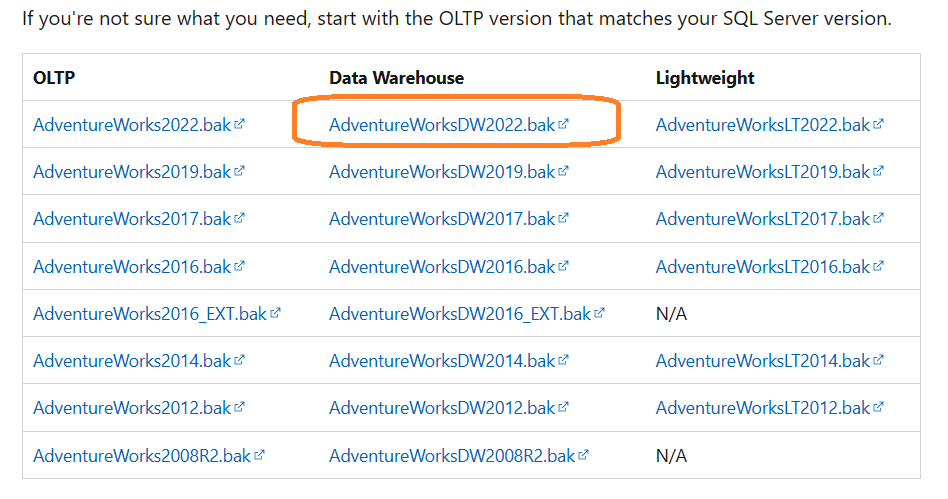
First you have to download the Database from the Microsoft Website. There are 3 types of this database.
- OLTP data is for most typical online transaction processing workloads.
- Data Warehouse (DW) data is for data warehousing workloads.
- Lightweight (LT) data is a lightweight and pared down version of the OLTP sample.
I'm using the Data Warehouse version, since it's designed for analyzing the business and decision making process. Visit this link to download the database and view the full documentation.
Importing the Database to SQL Server
Assuming that you already have SQL Server and SSMS(SQL Server Management Studio), these are the step to do after opening SSMS:
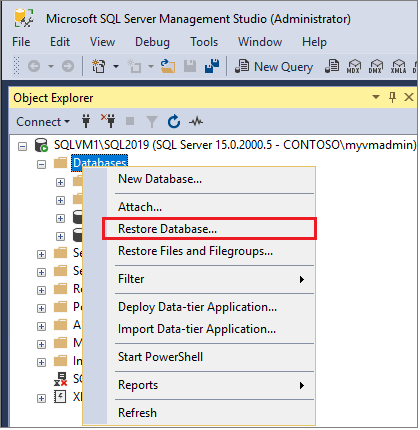
- right click on Databases in object explorer -> Restore Database after that the Restore Window will open.
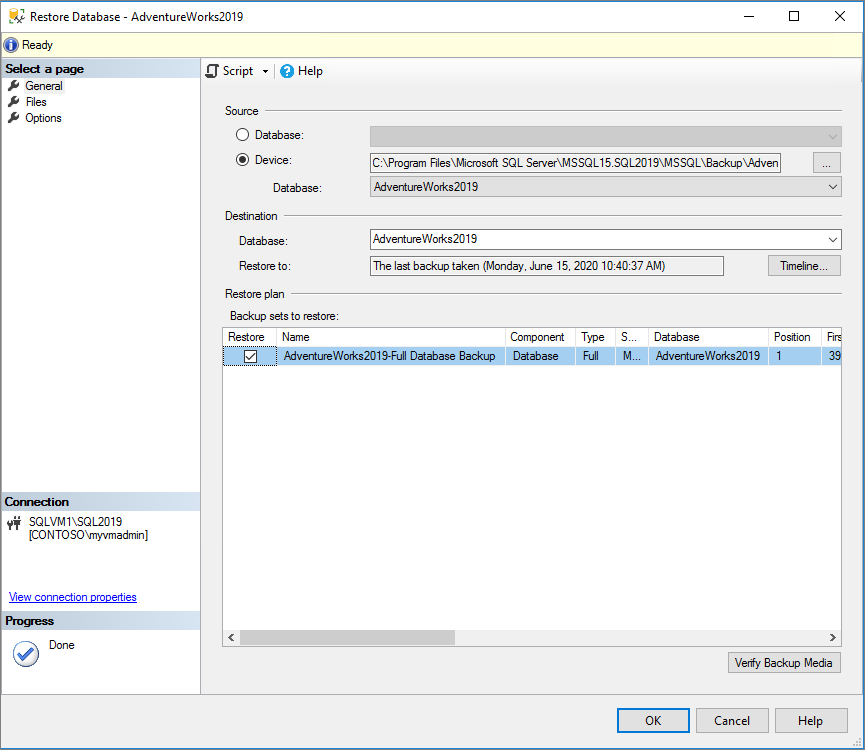
- Next is Select Device as source and then choose the .bak file we download before.
- Check the Files tab to confirm the Restore as location and file names match your intended location and file names in the Restore Database window.
- Click Ok and wait for the process to finish
Updating the Date in Database
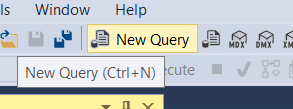
- Click the New Query button on SSMS
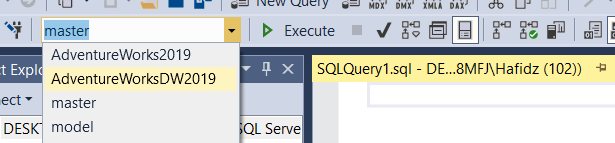
- Choose AdventureDW2019 Database for the new query
- Open this link to see the script for updating the database Date
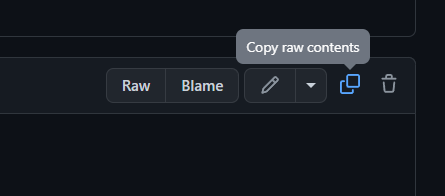
- Copy the code.
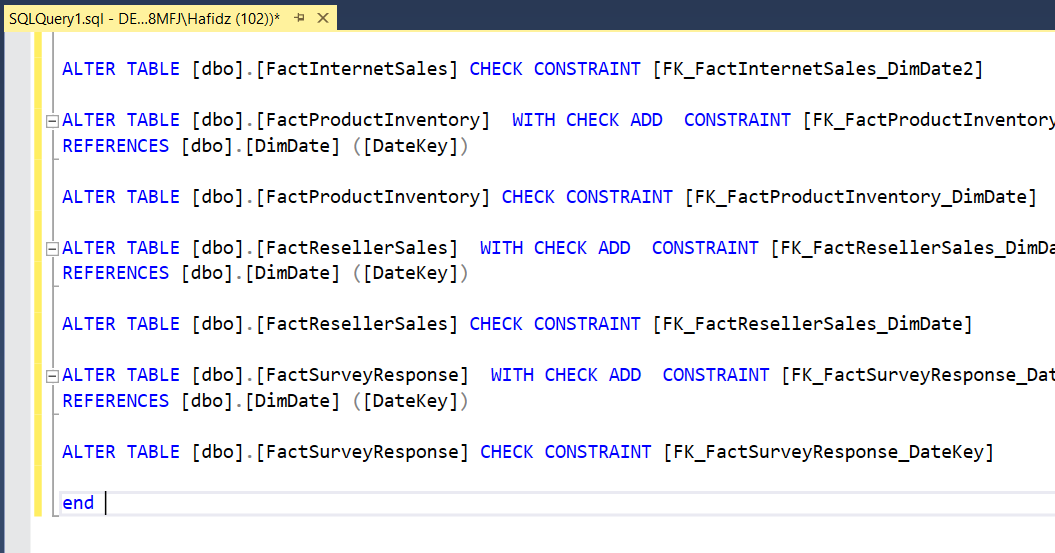
- Paste it to the query.
- Press F5 or Execute and wait for the query to finish
- And... that's it you can confirm it's updated by query the DimDate Table and see the distinct date year, if it's updated there should be the latest year.